domingo, 2 de noviembre de 2025


Welcome to the EFL blog, stay here and  you will learn a lot about Web 2.0 tools! 


Welcome to the EFL blog! If you want to know about Web 2.0 tools and how to use them for teaching English as a foreign language, you are in the correct site! Here you will find an exposition of various Web 2.0 tools that can be used for creating activities in order to make the process of learning English something meaningful and according to student's learning needs. Please, stay with us!


We hope that you enjoy the content  presented here!


domingo, 3 de noviembre de 2024


Our objectives are:


We have created this blog with the objective of showing some Web 2.0 tools we use it for creating activities for teaching English as a foreign language. The activities were designed for various students; those students were having problems in their learning process, for this reason we thought that teaching them through Web 2.0 tools would improve their performance. With this blog, our objectives are:

  • To present the Web 2.0 tools we use it for designing teaching activities.
  • To expose how Web 2.0 tools are used for teaching English.
  • To show how  technology can be used for creating didactic activities.


We think this blog is a great mean for letting other people (Especially teachers and students) knows more about how they can take advantage of the numerous tools and programs that Web 2.0 has to offer, so this blog has been created with an educative purpose. Also, we are going to expose a previous work we have done in the collaborative phase 2. This work consists of various video tutorials we have made in order to show how the Web 2.0 tool Audacity can be used for pedagogical purposes. The collaborative members have made the video tutorials using Screencast. The links of the videos will be showed along its correspondents entries. In this blog, you will find the following topics:

  • Daily routines (using Wix)
  • The solar system (using Prezi, Educaplay and Youtube)
  • Grammatical aspects: verbal tenses/ improving literacy skills (using YouTube, Blogger and SlideShare).
  • Verb to be (using YouTube). 
  • Video tutorials about Audacity (Using Screencast). 


Have a great time here! 


Sincerely

Alfonso Rojas Correa
David  Mauricio Carvajal 
Diana Carina Barrios
Maria Camila Ortega


Collaborative team and blog members.


lunes, 13 de noviembre de 2023


What are the Web 2.0 tools to be presented here?


It’s important to expose some characteristics of the Web 2.0 tools we have used for designing our teaching activities. In this blog, you will know about the following Web 2.0 tools:


MoveNote: MoveNote allows users to add webcam narration to uploaded slides or pictures. MoveNote makes it easy to upload PowerPoint presentations, PDFs, or pictures from your computer. Plus, you can take pictures while in MoveNote and create the presentation as you go. Once your screencast/webinar is complete, you can share it to social media, email it or embed it on your blog or web site. 


Audacity:  Is  an audio editor and recorder software that is used to record and edit sounds. Audacity can be used to perform number of audio editing and recording tasks such as splitting recordings into separate tracks and more. Here you’ll see how the members of the collaborative group used Audacity; they will show you how you can download this Web 2.0 tools and learn about its different functions through a video tutorial.


Prezi:  Is a cloud-based presentation software and storytelling tool for presenting ideas on a virtual canvas. Basically, Prezi gives you the opportunity of creating presentations through a variety set of multimedia tools. With Prezi, presentations are no longer full of texts; they now can contain images, music and even videos!


SlideShare: Is a Web 2.0 based slide hosting service. Users can upload files privately or publicly in the following file formats: PowerPoint, PDF, Keynote or OpenDocument presentations. SlideShare also provides users the ability to rate, comment on, and share the uploaded content. 


YouTube: YouTube provides a forum for people to connect, inform, and inspire others across the globe and acts as a distribution platform for original content creators and advertisers large and small. YouTube is a Google company


Educaplay:  Is a free website which lets teachers create a wide variety of different educational interactive resources. These can then be lined to, or embedded into your blog/VLE.


Wix:  Wix.com is a cloud-based web development platform that allows users to create HTML5 web sites and mobile sites through the use of their online drag and drop tools.

domingo, 13 de noviembre de 2022


Collaborative phase 2: Audacity tutorials created by MoveNote


In the collaborative phase 2, the group created and shared a series of video tutorials with the objective of showing how Audacity can be used for educative purposes. In order to show more Web 2.0 tools here, the group has decided to share these video tutorials from the collaborative work 2. The group used MoveNote for creating the video tutorial. Scroll down and you will see the links of each video tutorial. 


Audacity tutorial by David Carvajal:  Click on the link and David will show you a function of Audacity. David's tutorial


Audacity tutorial by Alfonso Rojas: Alfonso will show you how to use Audacity, clic on the link and watch his tutorial. Alfonso's tutorial 


Audacity tutorial by Maria Camila Ortega: Want to see the Audacity function Maria explains? Click the link!  Maria's tutorial


Audacity tutorial by Diana Carina Barrios: Click on the link and wath Diana's tutorial! Diana's tutorial

miércoles, 3 de noviembre de 2021

Practice activity 


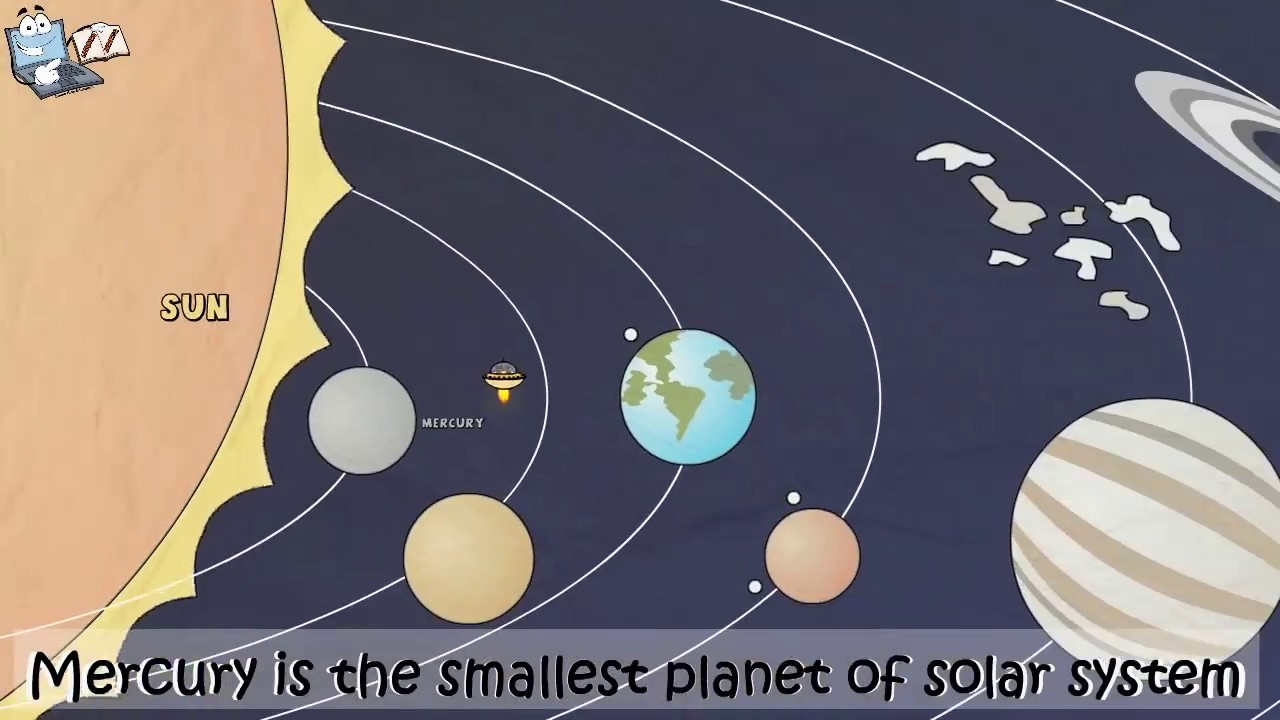
In order to show more Web 2.0 tools and their usage for teaching English as a Foreign Language, the group decided to create a multiple choice quiz for showing how a Web 2.0 tool that is called Educaplay can be used for teachers to design tests and interactive activities. The quiz is about the Solar System, we have decided to select this topic because it was one of those presented by the collaborative members in the forum. Educaplay is one of the Web 2.0 tools that has been presented here. The group has decided to create a practice activity that corresponds to this tool and also presents a topic that has been shown in the blog. The activity is for elementary students, the topic is "Solar System". This is a topic that students already know, teacher has been addressing it and she/he wants to know if students are learning well. For this reason he/she is going to assess student's performance. In the following link you will find the practice activity. 

Practice activity 1:

Practice activity link. 


Practice activity 2: This activity is designed for elementary students. The activity is a multiple choice quiz about verb to be. We have selected this topic because it was one of the topics presented here. Also, the Web 2.0 tool has been showed here.


Practical activity 2 link

References:

We found information in this link


miércoles, 4 de noviembre de 2020


Teaching strategy by Alfonso Rojas.


Alfonso designed this activity for his group of 32 elementary students. These  students were having struggles with listening skills, grammar and vocabulary. Alfonso wanted to involve them in a didactic process, for this reason he designed an activity that allowed students to learn grammar, verbs, pronunciation and sentence patterns. He thought that this would be a transversal way to learn, and he introduced a topic which was familiar to the students. Alfonso created his activity by using some Web 2.0 tools; he wanted his students to learn didactically so he designed the following activities:


(Click on the highlighted words and you will find Alfonso's teaching activities). 


domingo, 3 de noviembre de 2019


Teaching strategy by Diana Carina Barrios.


Diana designed a teaching activity for her group of elementary students. She wanted to teach them vocabulary, and grammatical terms such as present tense. Diana’s students were having struggles to learn those grammatical terms, for this reason she decided to teach the topics by introducing daily routines which are a great sample of how vocabulary and present tense is used. She wanted to create a didactic activity so she decided to use Wix and show the topic to her students. In the following link you will find Diana’s teaching strategy: